Workspaces
Organize your API projects into separate workspaces.
What are Workspaces?
Workspaces are the top-level organizational unit in Echolon. Each workspace contains its own collections, environments, and settings — perfect for separating different projects or clients. On filesystem workspaces are separated by folders.
Creating Workspaces
To create a new workspace:
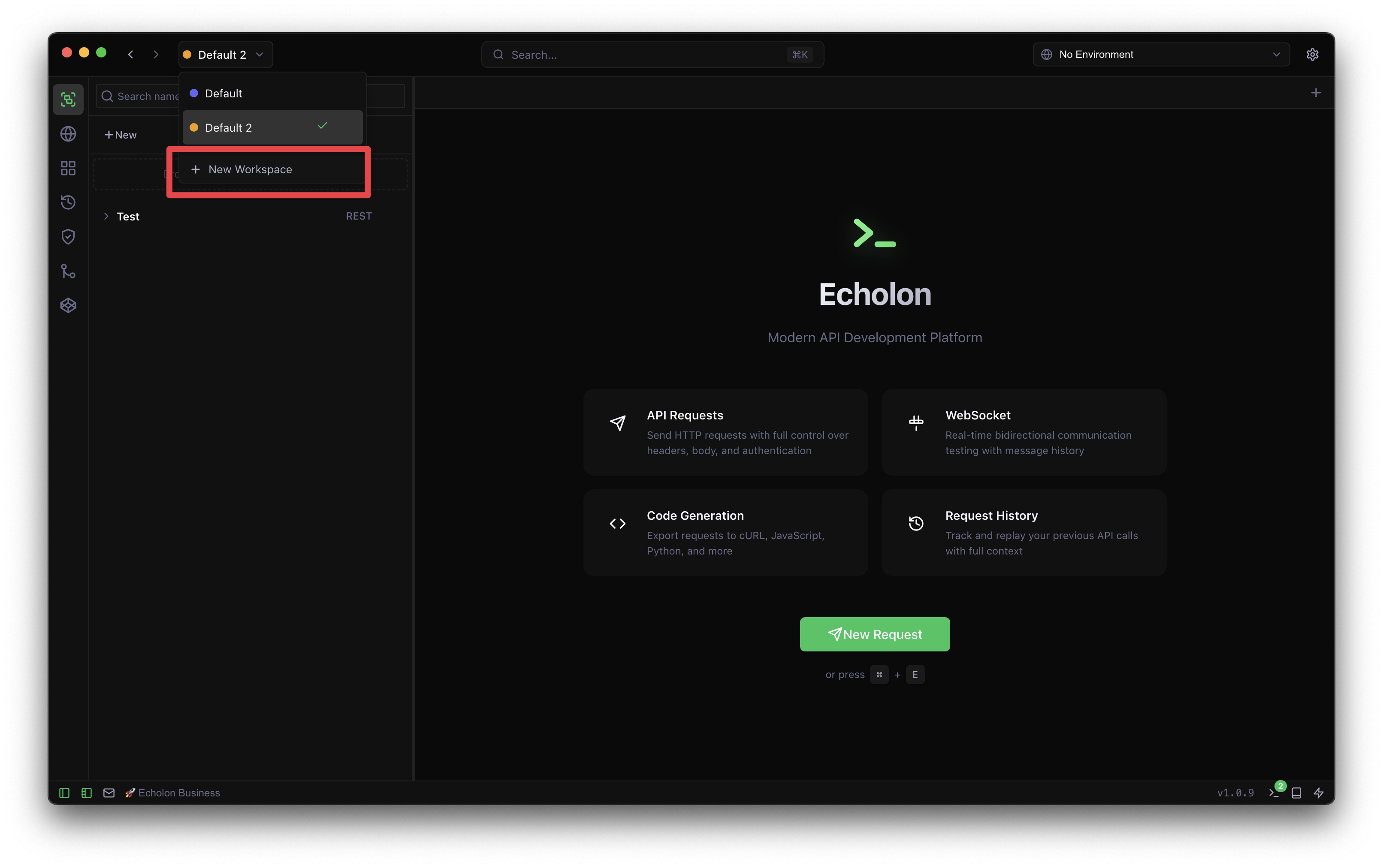
- Click the workspace dropdown in the top-left corner
- Select "New Workspace"
- Enter a name and optional description
- Click "Create"
Switching Workspaces
Use the workspace dropdown to quickly switch between your workspaces. All your collections and environments will update to show the selected workspace's content.
Workspace Settings
Each workspace has its own settings including:
- Workspace environments
- Git repository configuration